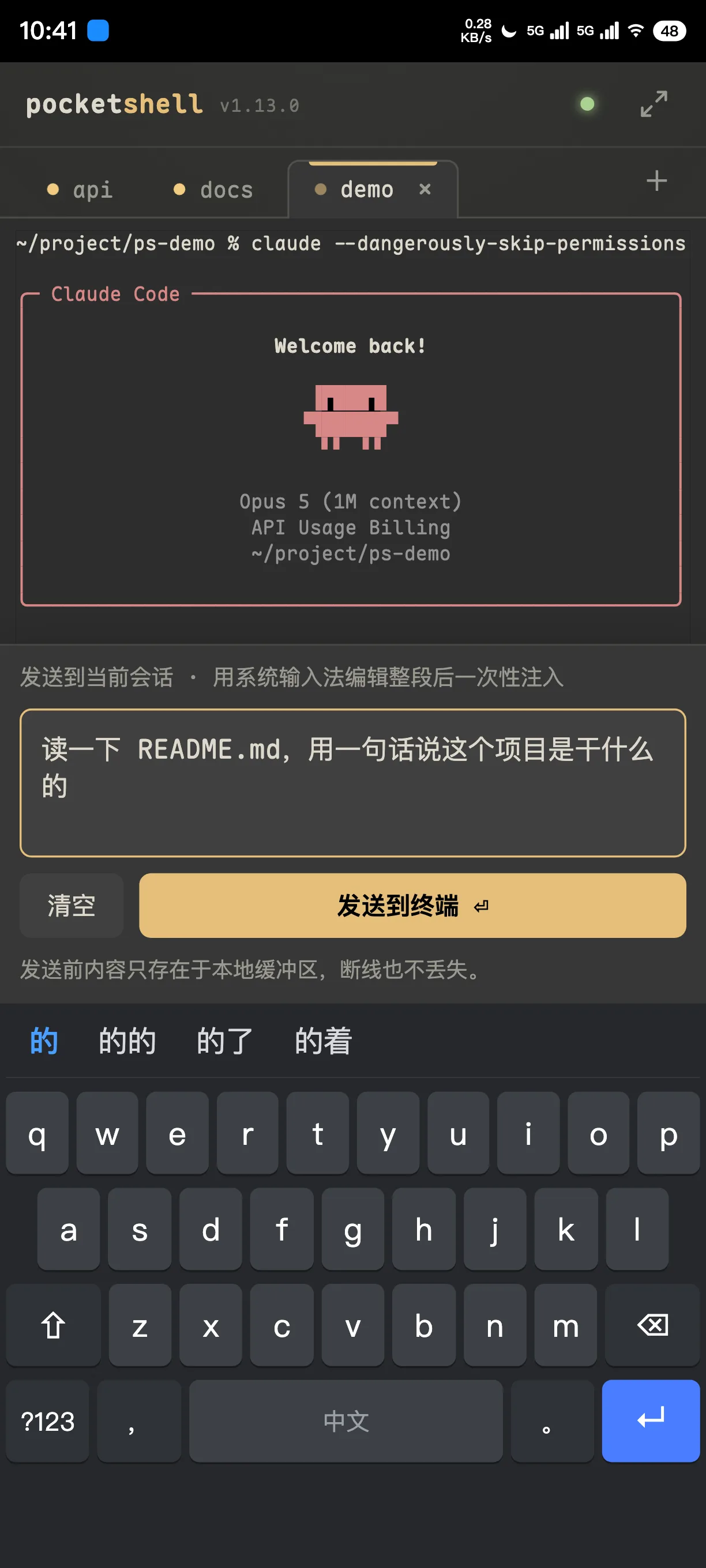
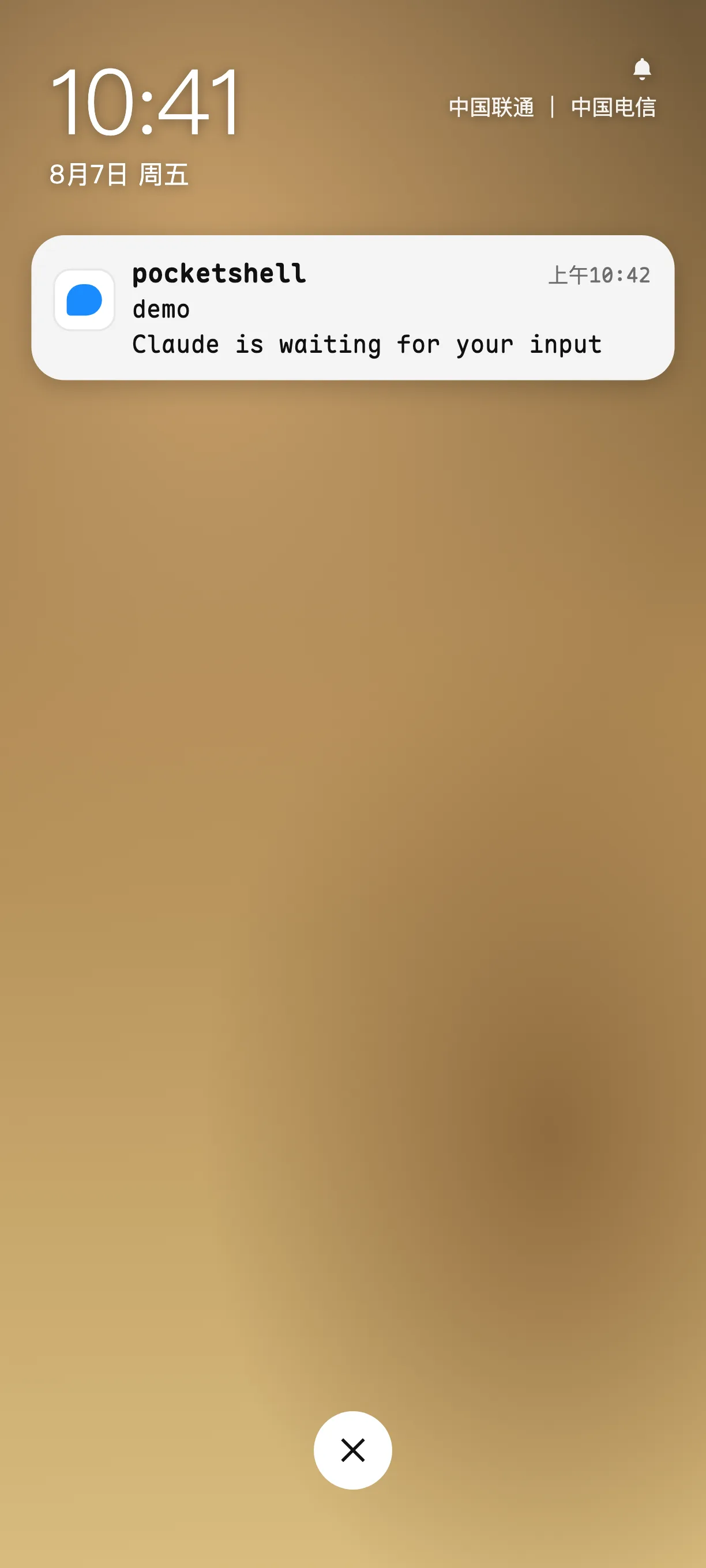
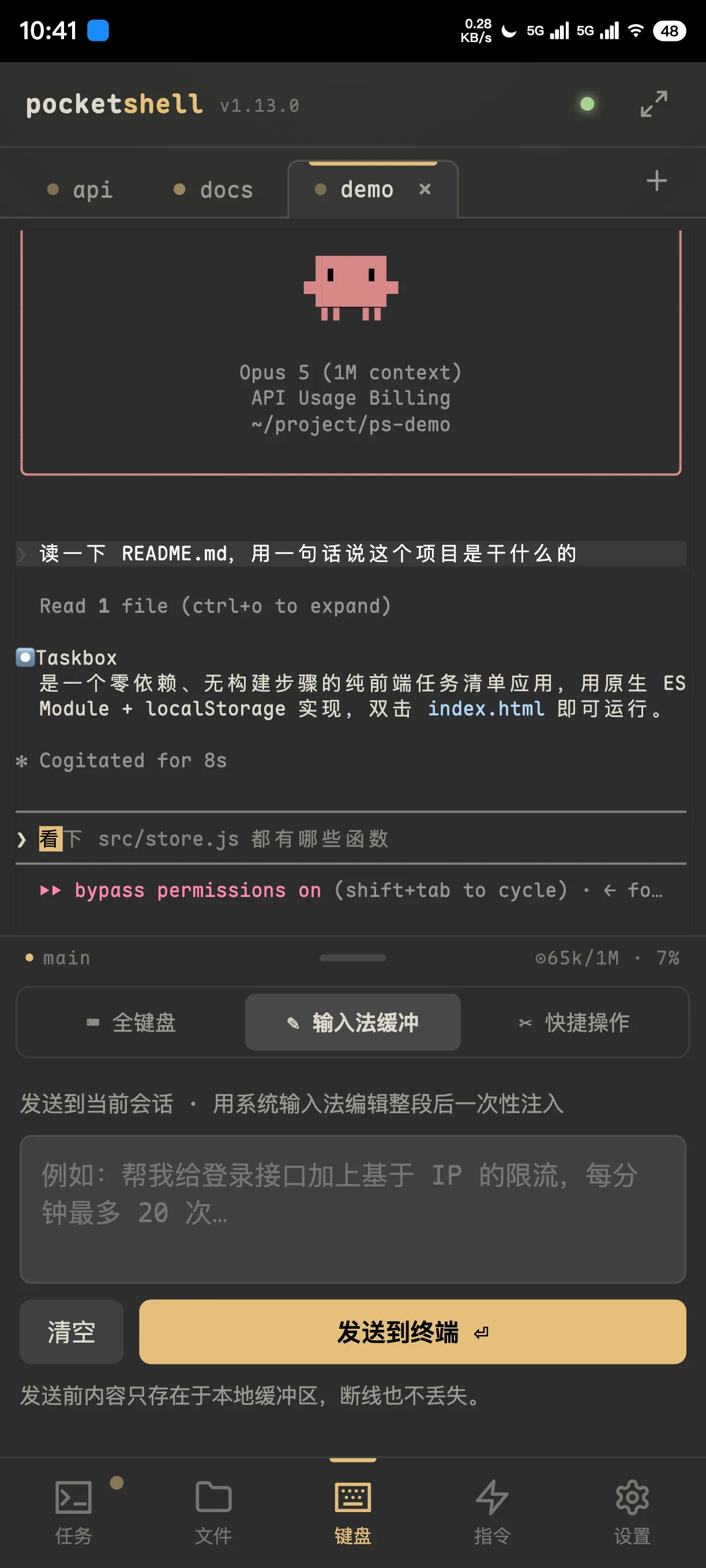
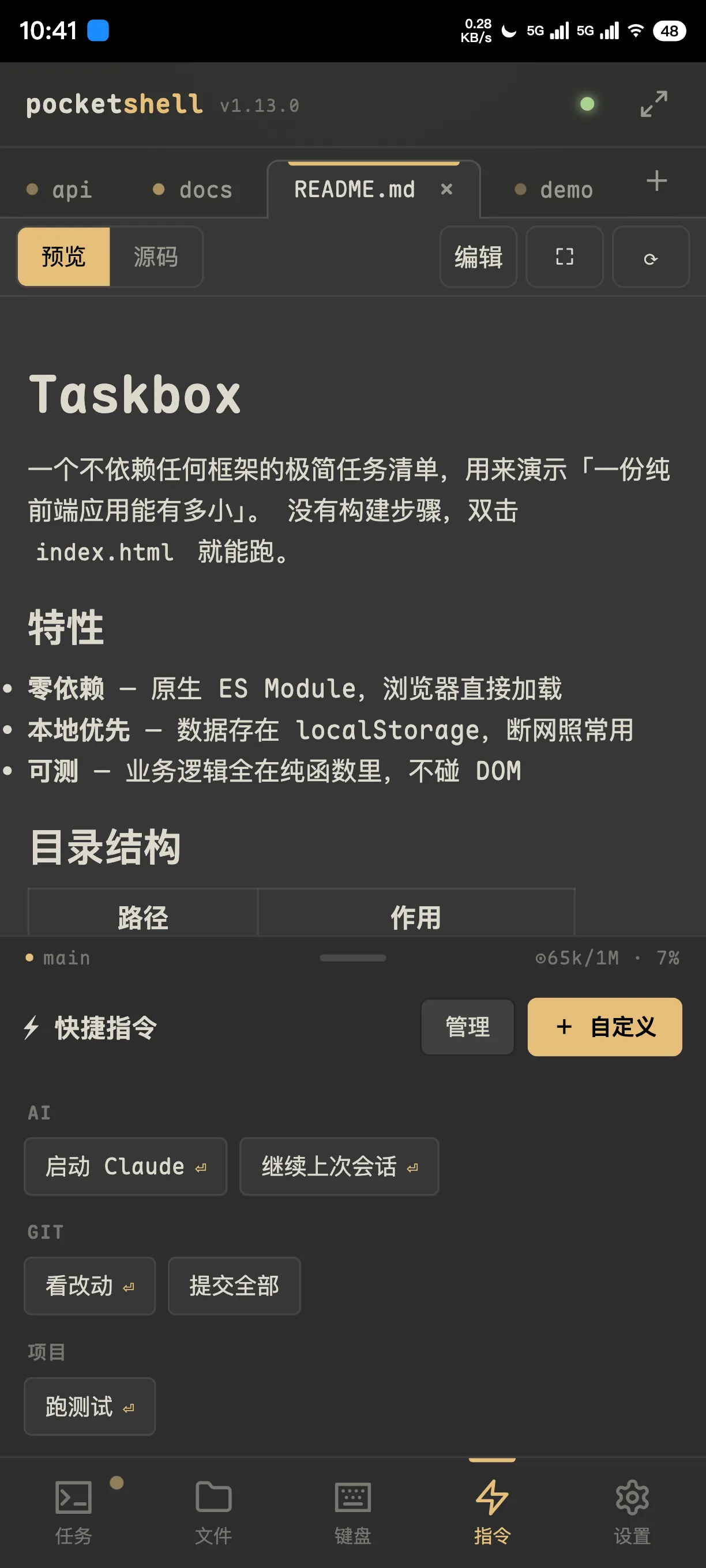
Hand off the work and put your phone away. Sessions live on the server, so they keep running while you're offline — and a push calls you back when it's done or needs a decision.
The demo needs no install and no host — real frontend, simulated agent.
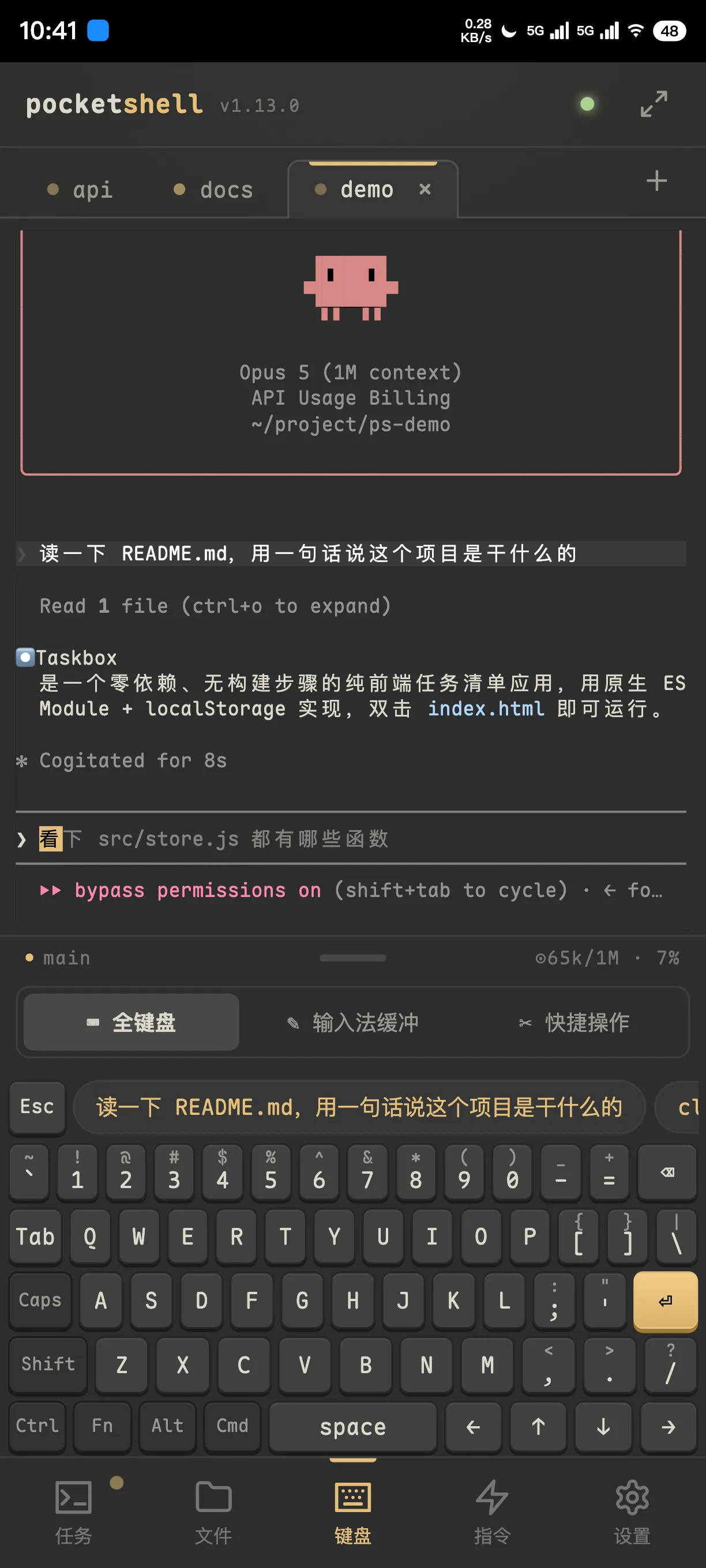
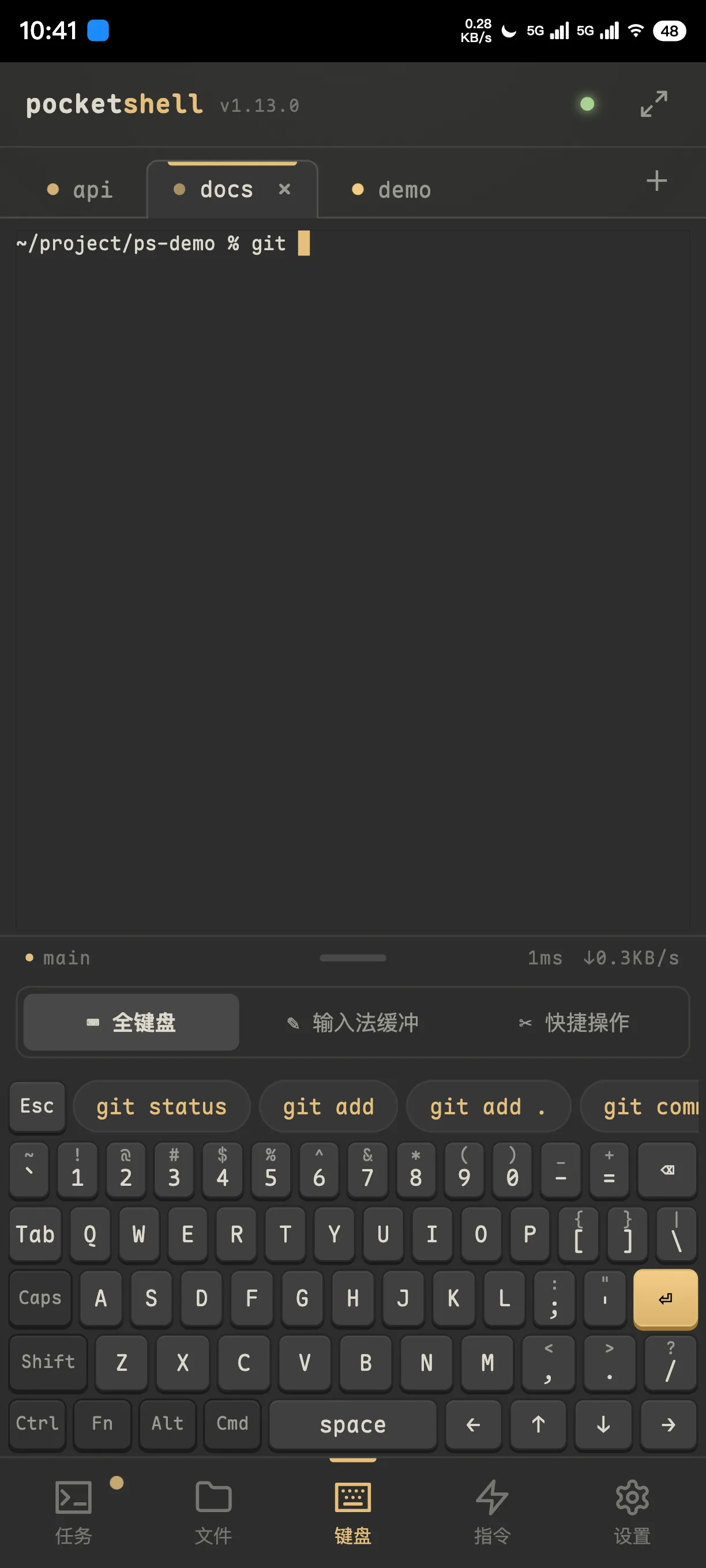
9:12 — you kick off a refactor from the subway entrance and put your phone away. Tunnel, a text you had to answer, screen locked. Not one second of work stopped on the server.
10:05 — your phone buzzes. Claude finished a round and wants to know whether to apply the patch. You read the question on the lock screen, unlock, tap in, type y, lock it again, and keep walking.
12:30 — you sit down at your desk and the work is already finished, because every call that needed you got made while you were out.
One continuous take: kick a task off, put the phone away, get called back when it's done.
The frontend is embedded and served on the same port. Download, run, pair — there is no fourth step.
Every tmux session on the host is listed, including ones it didn't create. Three-state dots plus a last-line preview show at a glance what's running and what's stuck waiting on you.
Typing in a terminal on a phone stops being punishment. Three key layouts — a full laptop one, or bigger keys with symbols a flick away — plus smart command hints and snippets synced across your devices.
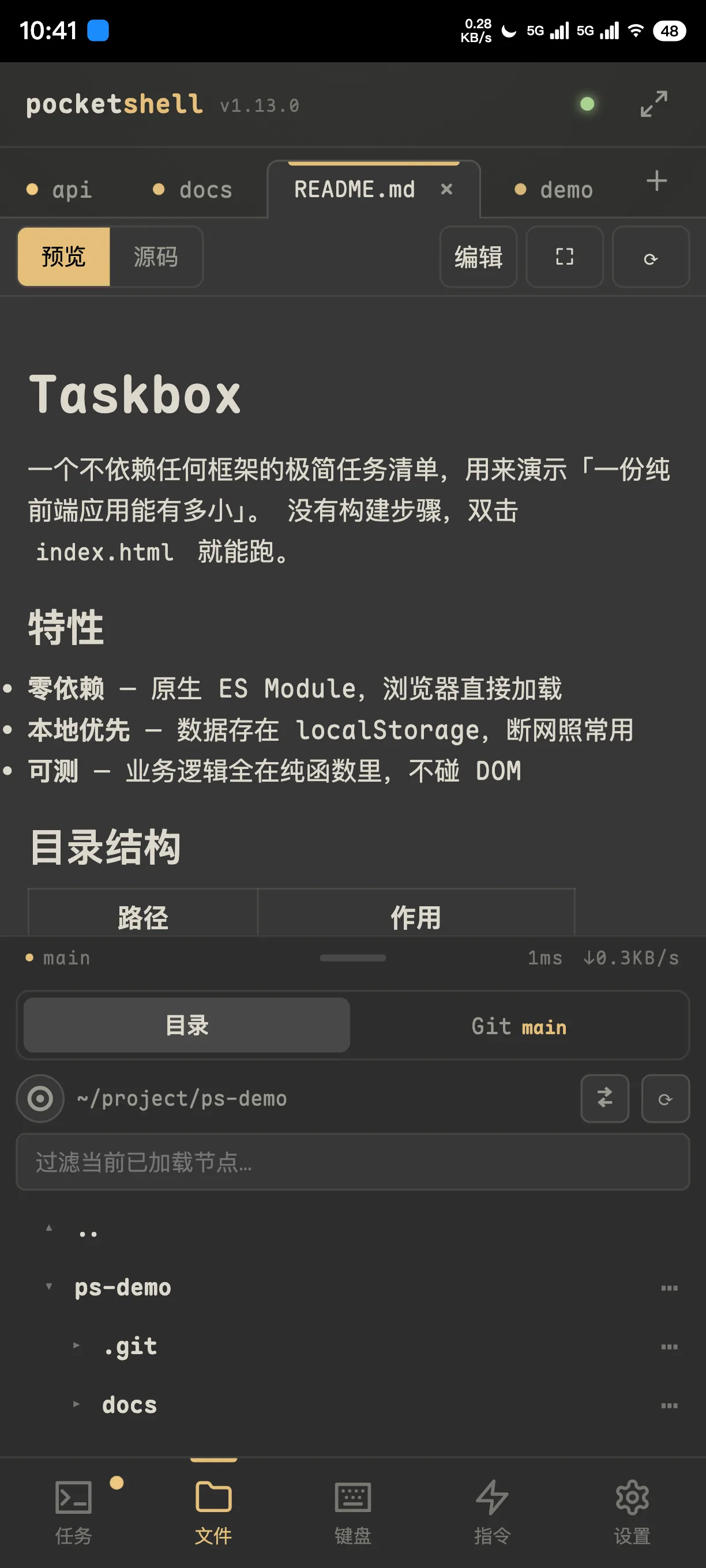
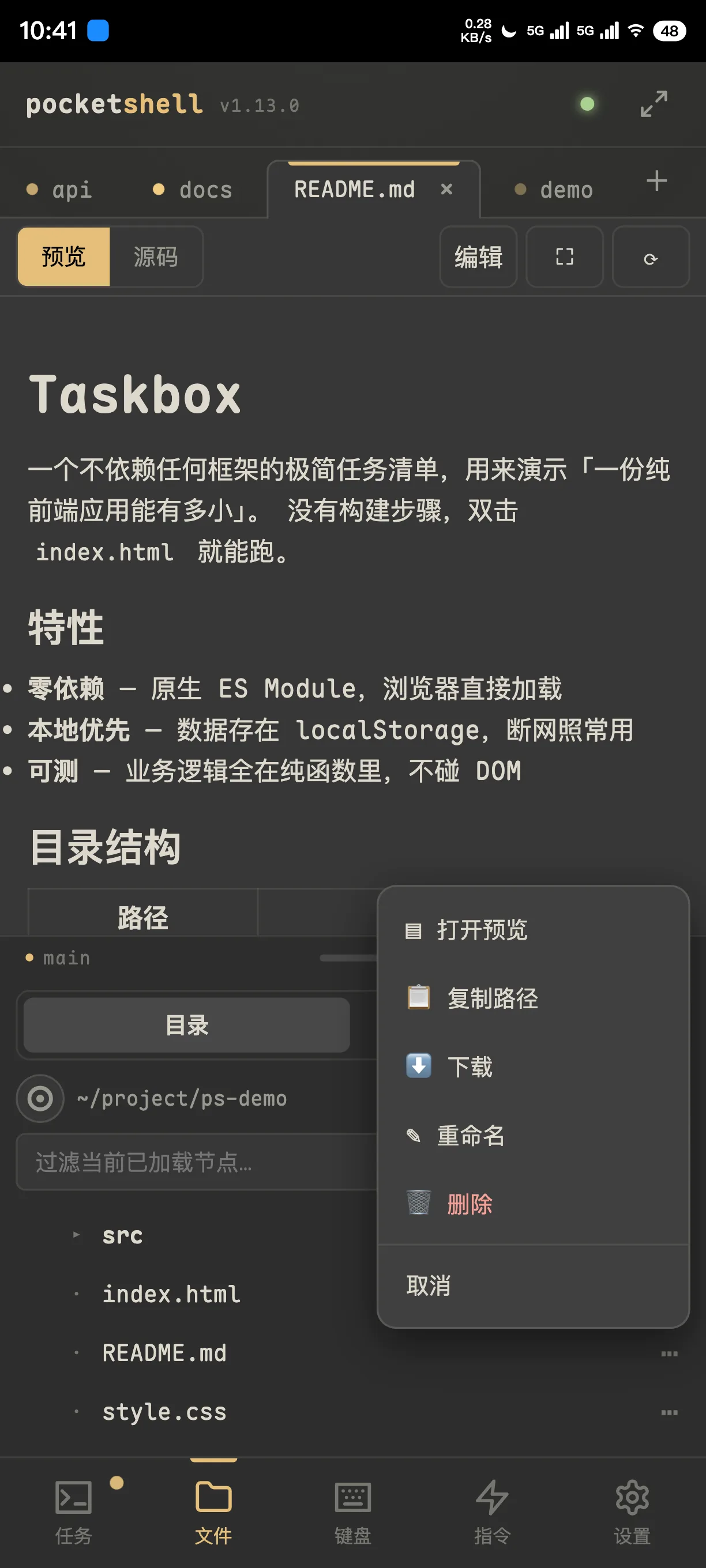
No dropping back to the shell to run cat. Directory tree, code editing, Markdown and image preview, working-tree diff, upload and download.
Completion hooks for Claude Code / Codex / opencode / Kimi CLI are wired up automatically, each with its own switch. No config to write.
A full Noise IK handshake per connection. Tunnels and reverse proxies in between only ever handle ciphertext — they can't see your terminal.
Seven themes plus any Ghostty palette you import, five monospace fonts, English and Chinese, one-tap in-app updates, and live AI context usage.
PocketShell doesn't replace SSH. It assumes you already have tmux and a machine that stays on — it just covers the stretch where you aren't there.
The host needs tmux and git. Linux or macOS. No reverse proxy required to try it — start on your LAN.
Detects your platform, verifies the SHA256, lands in your PATH.
Starts at boot; a first install prints the pairing string right there.
Open the URL, paste, add to home screen. Done.
# install $ curl -fsSL https://raw.githubusercontent.com/Big-Pony/pocketshell/main/install.sh | sh # run it as a service (no sudo on macOS) $ pocketshell-agent install \ --advertise wss://your.domain --name my-mac
The whole security model rests on one question — who gets to pair — so that question is guarded from several directions at once.
Mutual authentication and forward secrecy. An unregistered device never gets past it.
300-second TTL, limited attempts, rate-limited. Brute force gets you locked out.
One command drops a device: live connections close within seconds and push subscriptions are cleared.
Handshakes, pairings, revocations and lockouts are written as structured logs — while your commands and terminal contents never are.
Kick something off, answer a y, glance at a diff, tell it to try again — that's the part that actually needs you. The rest of the time, the machine runs on its own.