v1.16.0 · Apache-2.0 · self-hosted

Your AI is running.
You're stuck at your desk.

Hand off the work and put your phone away. Sessions live on the server, so they keep running while you're offline — and a push calls you back when it's done or needs a decision.

The demo needs no install and no host — real frontend, simulated agent.
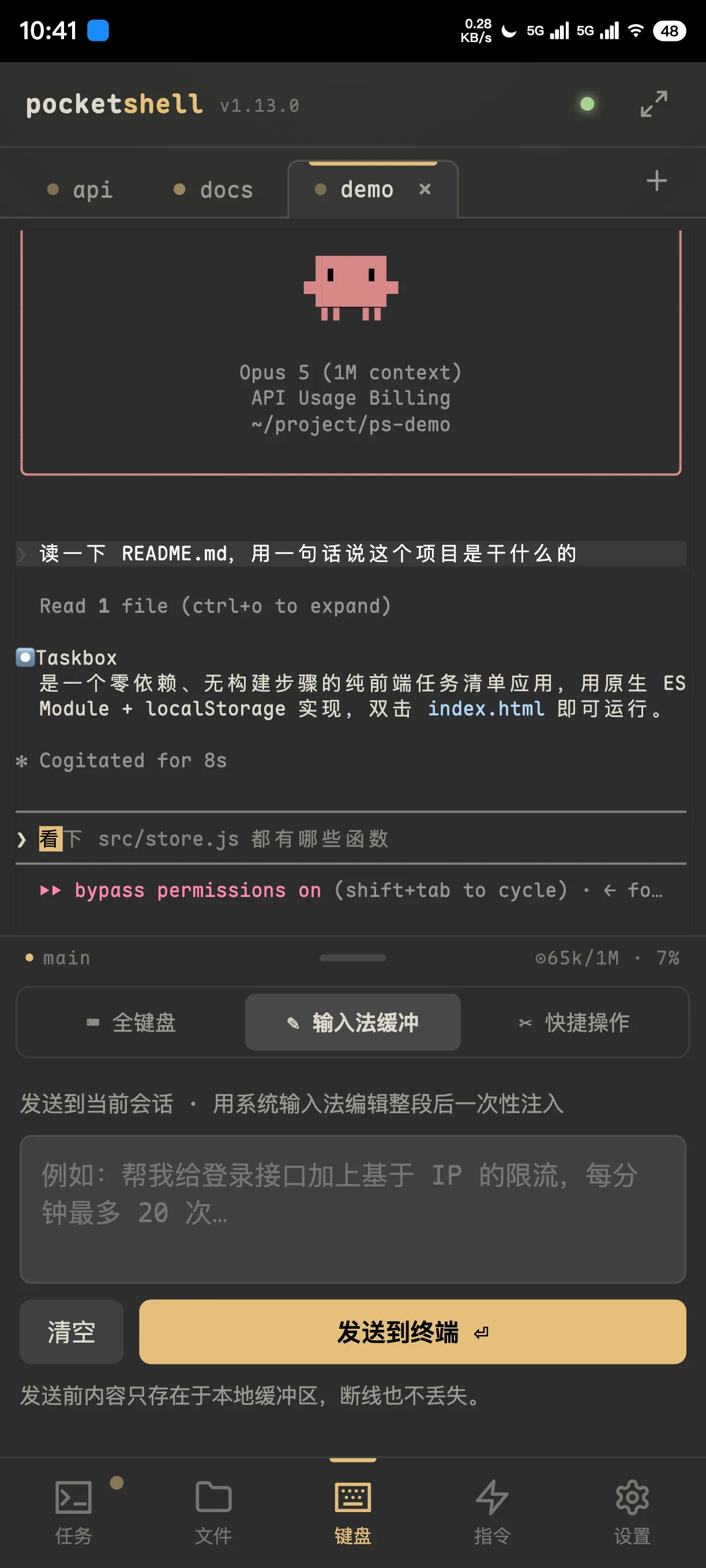
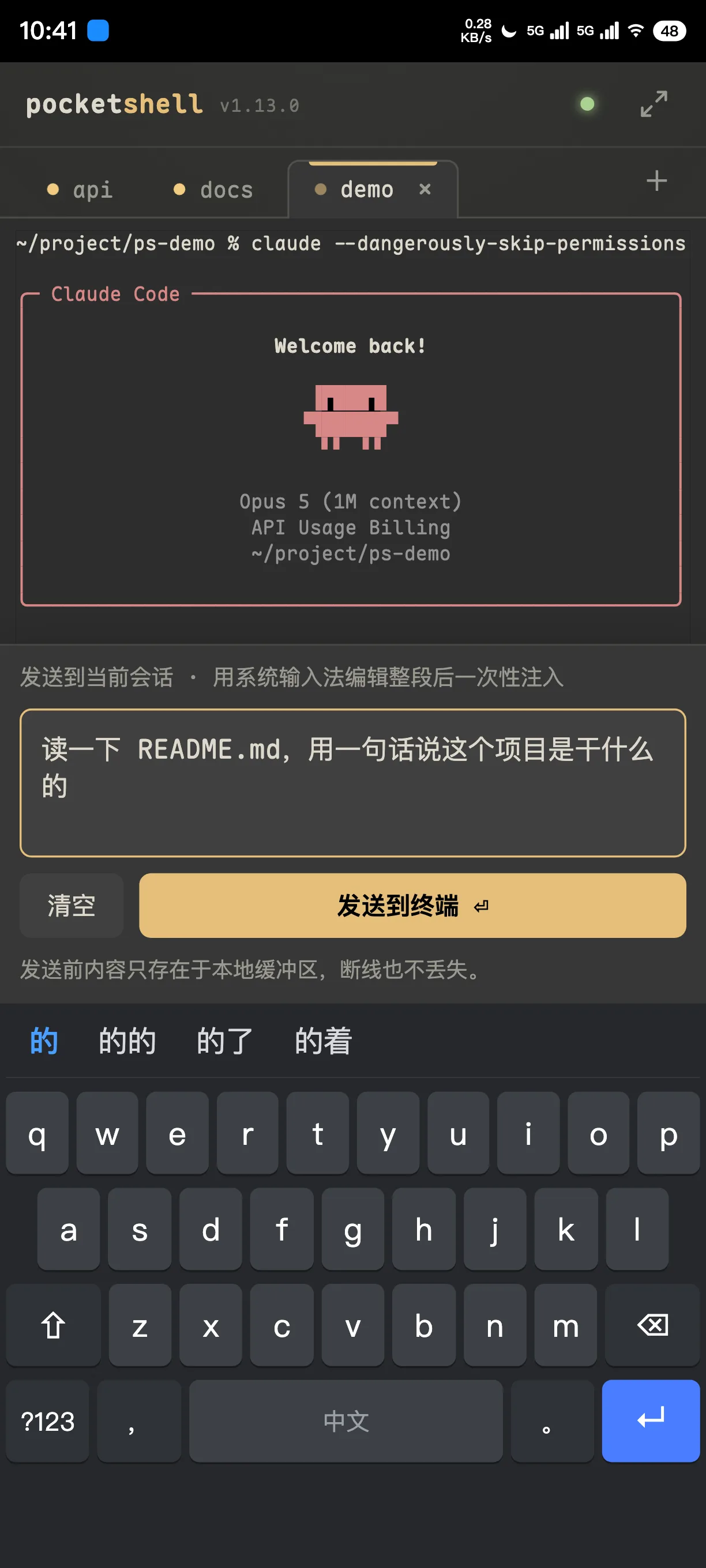
Composing a whole prompt for Claude Code in the IME buffer
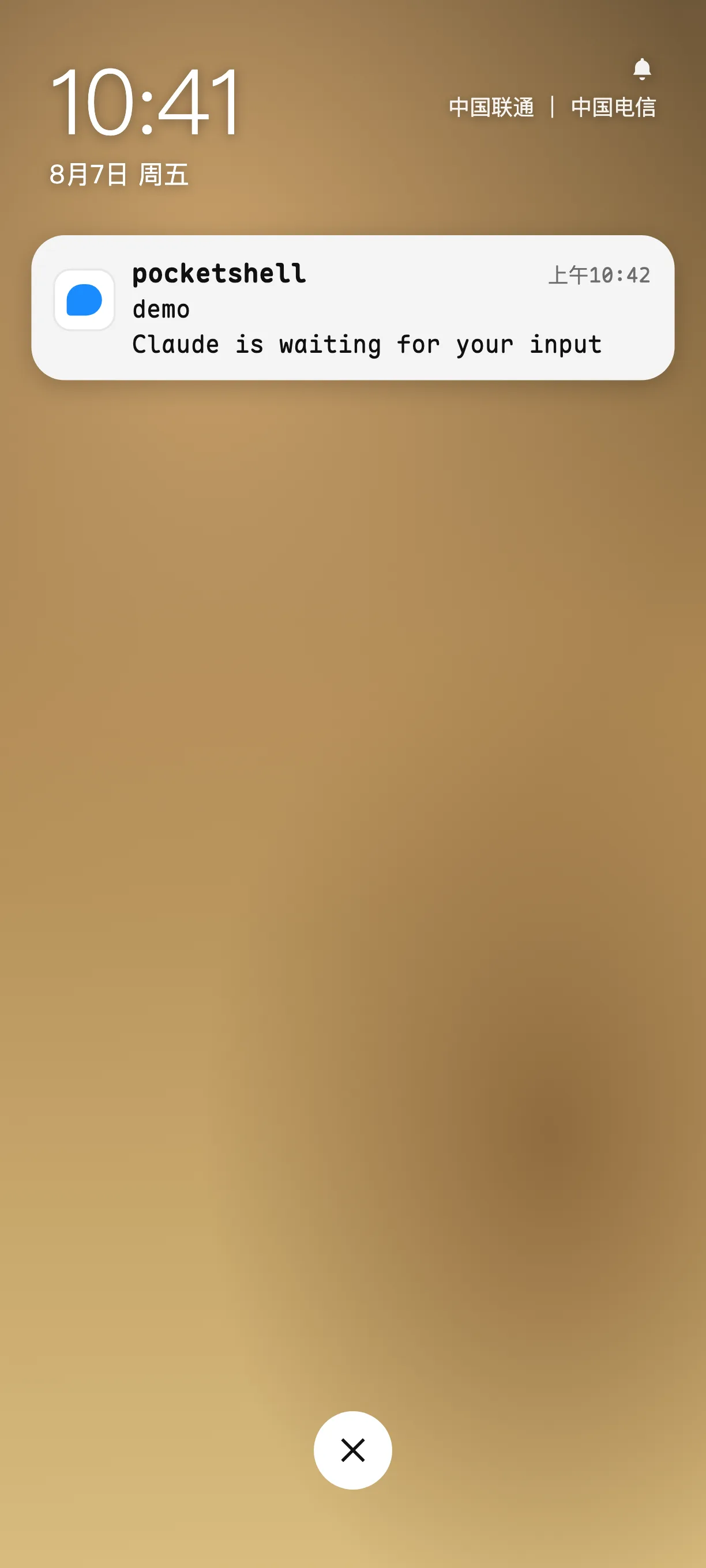
Lock-screen push: Claude is waiting for your input
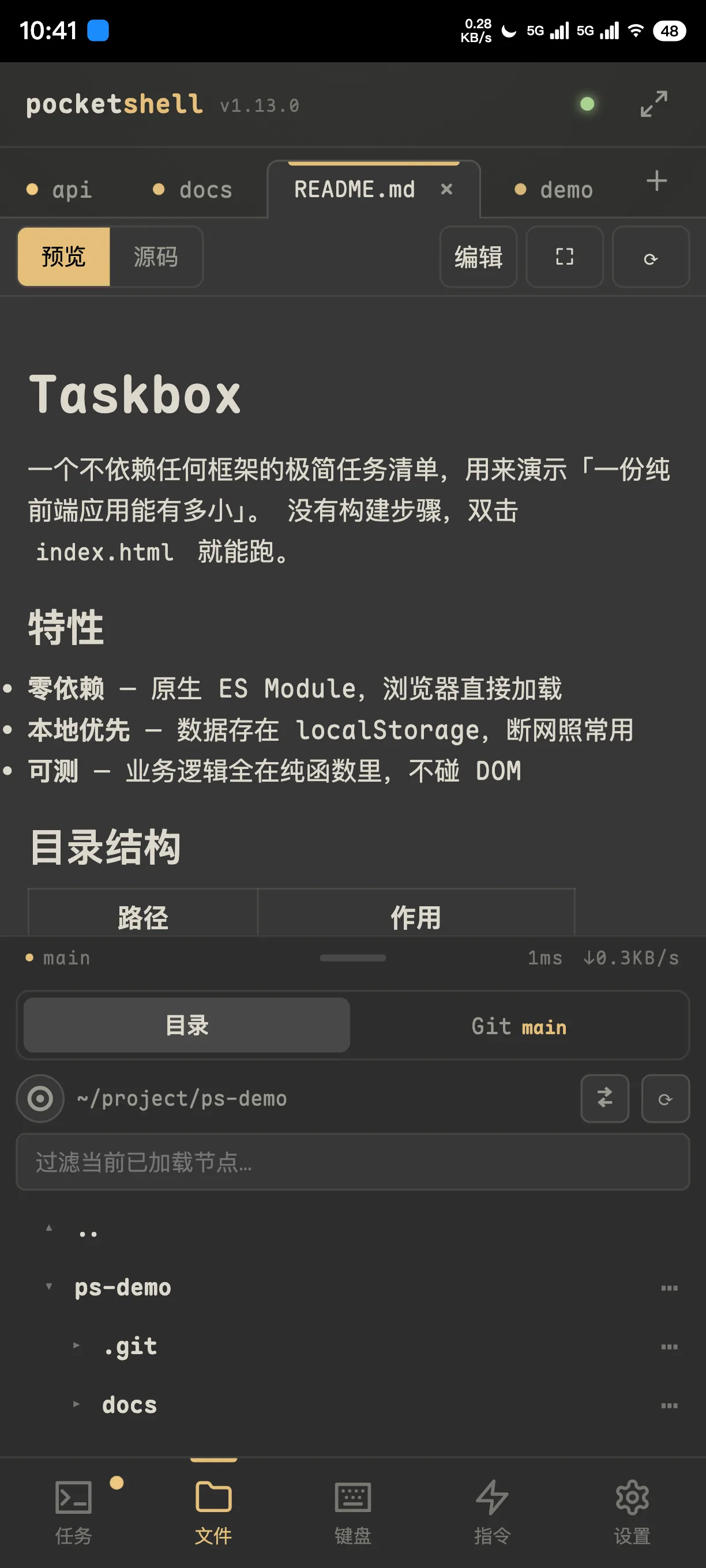
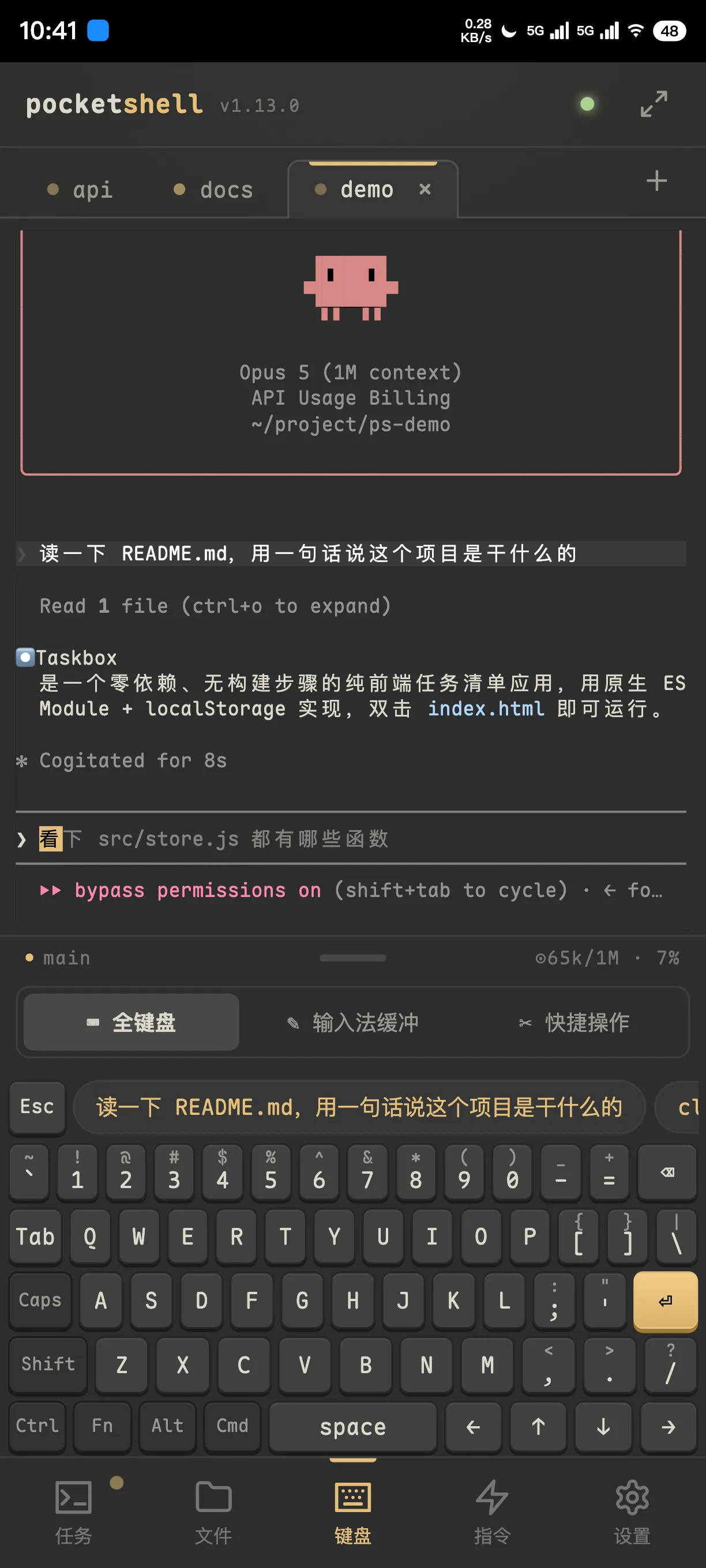
Back online, the output has replayed and the Git panel shows the commit
1
binary — that's the whole product
300s
pairing-code TTL, then it's gone
4
AI tools that push when they finish
0
lines of your code leave your machine
How it works

The session lives on the server.
Your phone is just the screen.

Pocket the phone. The task keeps going.

9:12 — you kick off a refactor from the subway entrance and put your phone away. Tunnel, a text you had to answer, screen locked. Not one second of work stopped on the server.

  • The real session is tmux on the host; disconnecting just unplugs the screen
  • Per-session sequence accounting: reconnecting replays only the gap, never what you already have
  • Unlimited scrollback on long output, with the input line pinned to the bottom
claude-refactor

kimi-docs

build-server

When it needs you, it comes to you

10:05 — your phone buzzes. Claude finished a round and wants to know whether to apply the patch. You read the question on the lock screen, unlock, tap in, type y, lock it again, and keep walking.

  • Arrives with the app closed and the phone locked
  • No notification for the session you're already looking at
  • Or skip push entirely: Slack / Discord / custom webhooks are built in
POCKETSHELL · now
Claude is waiting for your input
claude-refactor: apply this patch? (y/n)

On a phone. Actually usable.

12:30 — you sit down at your desk and the work is already finished, because every call that needed you got made while you were out.

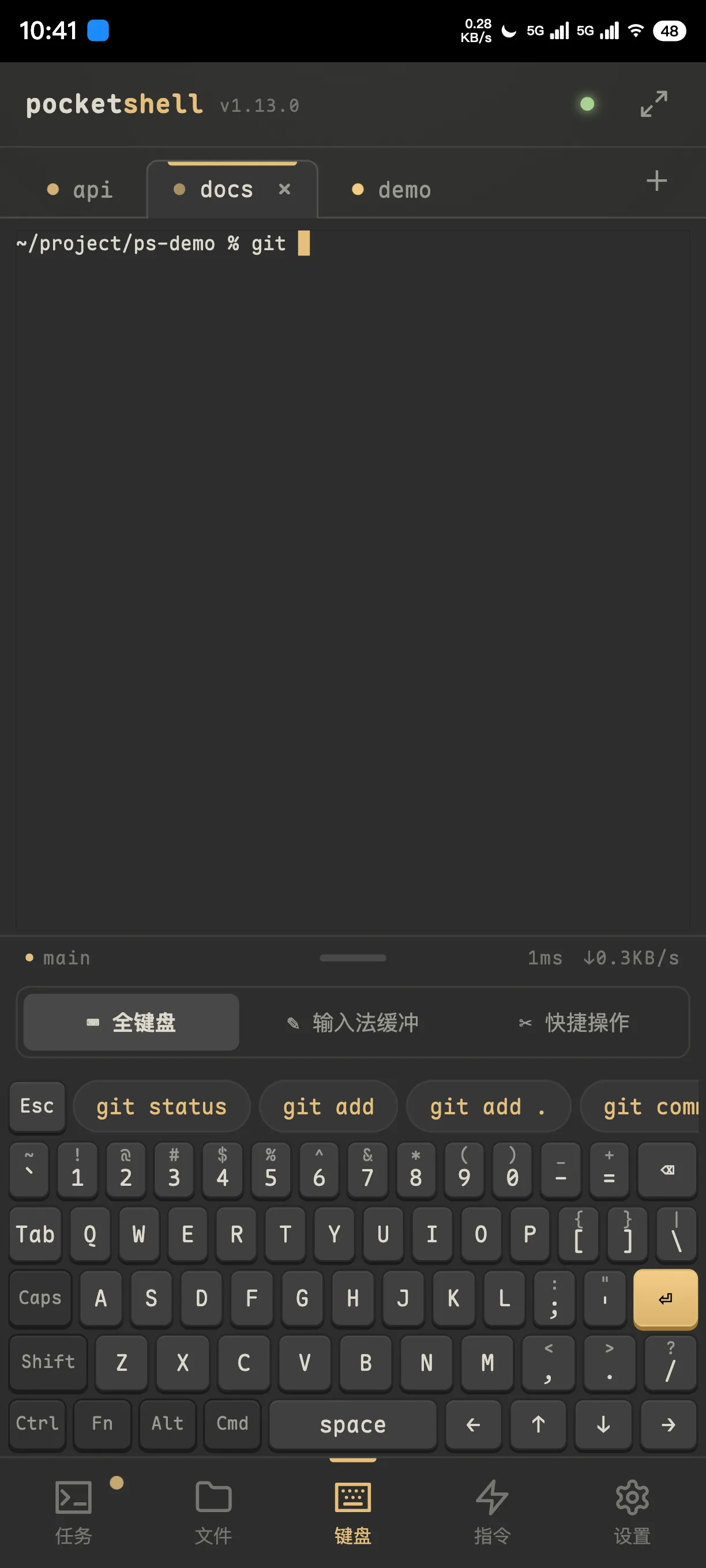
  • A laptop-grade keyboard: F1–F12, arrow keys, sticky modifiers
  • Three key layouts — or double the key size and flick for symbols
  • Compose a whole prompt in the system keyboard, then inject it in one shot
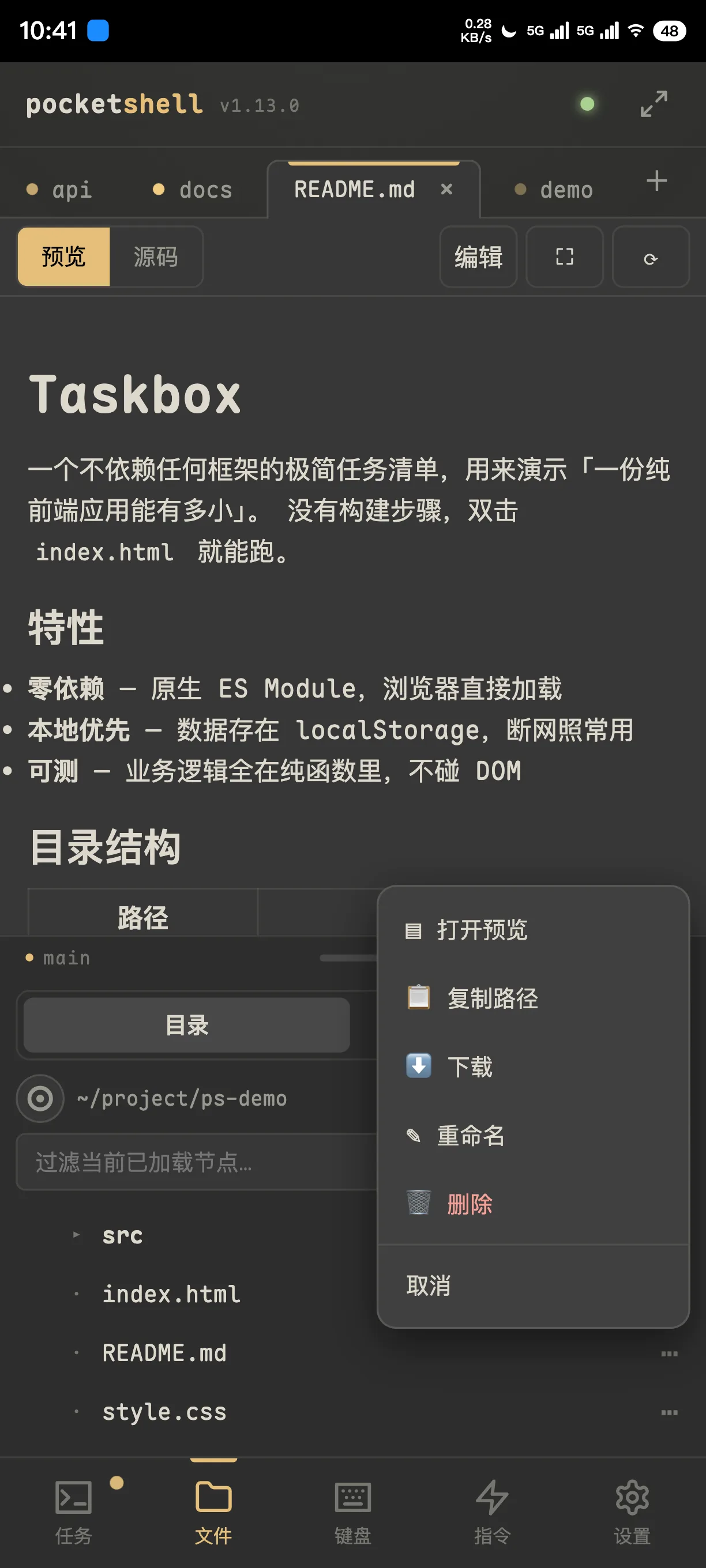
  • File tree, code editing, Markdown and image preview, Git diff
Watch it

Forty seconds,
hand-off to answer

One continuous take: kick a task off, put the phone away, get called back when it's done.

  1. Unlock the phone, tap the icon on the home screen, open PocketShell
  2. Start a new tmux session
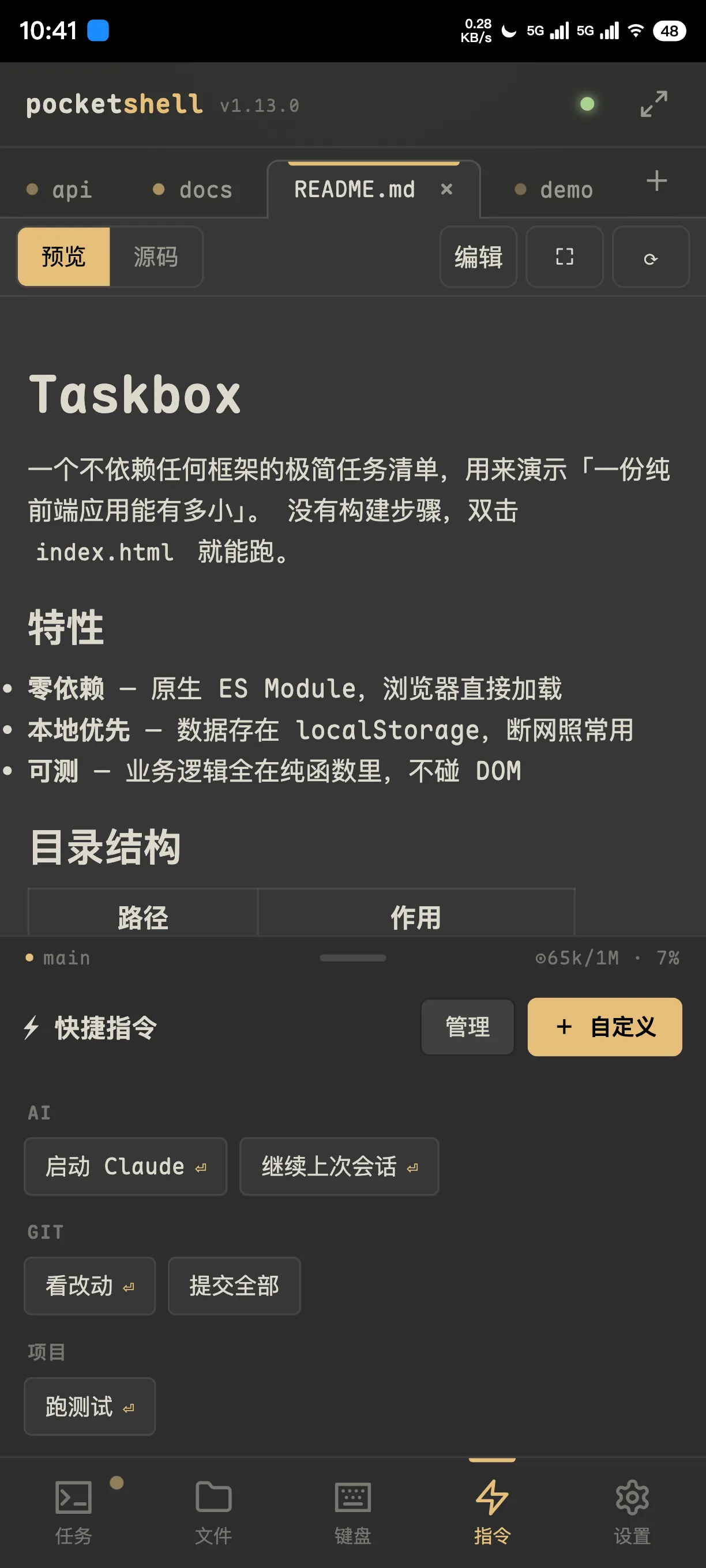
  3. Launch Claude Code from a saved snippet
  4. Write the whole request in the system keyboard, send it in one shot
  5. Straight back to the home screen and lock it — nothing left to watch
  6. The lock screen lights up: the task is finished
  7. Tap the notification, land back in the session, read the answer
Features

One binary. Everything's in it.

The frontend is embedded and served on the same port. Download, run, pair — there is no fourth step.

Multi-session terminal

Every tmux session on the host is listed, including ones it didn't create. Three-state dots plus a last-line preview show at a glance what's running and what's stuck waiting on you.

Custom full keyboard

Typing in a terminal on a phone stops being punishment. Three key layouts — a full laptop one, or bigger keys with symbols a flick away — plus smart command hints and snippets synced across your devices.

🗀

Files and Git

No dropping back to the shell to run cat. Directory tree, code editing, Markdown and image preview, working-tree diff, upload and download.

🔔

Push when it's done

Completion hooks for Claude Code / Codex / opencode / Kimi CLI are wired up automatically, each with its own switch. No config to write.

🔒

End-to-end encrypted

A full Noise IK handshake per connection. Tunnels and reverse proxies in between only ever handle ciphertext — they can't see your terminal.

Add to home screen, it's an app

Seven themes plus any Ghostty palette you import, five monospace fonts, English and Chinese, one-tap in-app updates, and live AI context usage.

Why not SSH

You could open an SSH client instead.
It isn't the same thing.

Mobile SSH client
PocketShell
You lose signal
Connection drops; reconnect and re-attach by hand
Task keeps running, reattaches itself when you're back
Output you missed
Either gone, or the whole screen redraws
Sequence-tracked replay of exactly the gap
The agent finishes
Nothing tells you; go look for yourself
Push straight to the lock screen, opens that session
Typing
Phone keyboard — no function or arrow keys
Laptop-grade keyboard + whole-prompt injection
Files and diffs
Back to the shell to type commands
File tree, preview and a diff panel

PocketShell doesn't replace SSH. It assumes you already have tmux and a machine that stays on — it just covers the stretch where you aren't there.

Three minutes to running

The host needs tmux and git. Linux or macOS. No reverse proxy required to try it — start on your LAN.

1

One-line install

Detects your platform, verifies the SHA256, lands in your PATH.

2

Register it as a service

Starts at boot; a first install prints the pairing string right there.

3

Pair your phone

Open the URL, paste, add to home screen. Done.

terminal
# install
$ curl -fsSL https://raw.githubusercontent.com/Big-Pony/pocketshell/main/install.sh | sh

# run it as a service (no sudo on macOS)
$ pocketshell-agent install \
    --advertise wss://your.domain --name my-mac
Security

Your machine. Your keys.

The whole security model rests on one question — who gets to pair — so that question is guarded from several directions at once.

Noise IK handshake

Mutual authentication and forward secrecy. An unregistered device never gets past it.

One-time pairing codes

300-second TTL, limited attempts, rate-limited. Brute force gets you locked out.

Revocation lands instantly

One command drops a device: live connections close within seconds and push subscriptions are cleared.

Audited throughout

Handshakes, pairings, revocations and lockouts are written as structured logs — while your commands and terminal contents never are.

You carried a laptop all day
for fifteen minutes of work

Kick something off, answer a y, glance at a diff, tell it to try again — that's the part that actually needs you. The rest of the time, the machine runs on its own.